TRIM / Finish
Crop Marks
Place marks the guillotine can actually see.
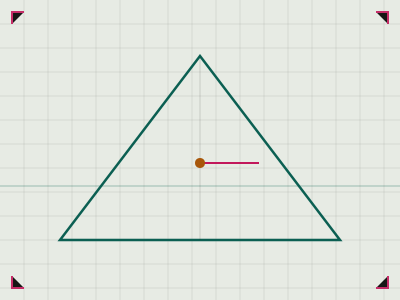
What it does
- Crop marks tell the operator where the trim line sits.
- Marks must live outside the trim and inside the sheet.
- A missing mark turns a precise cut into a visual judgement.
How to use it
- Use registration marks as well as crop marks when more than one colour is printed.
- Keep marks out of the bleed area so they do not print inside the finished page.
- Check the marks after a PDF imposition, not only in the layout file.
- If the sheet is trimmed twice, the second cut needs its own marks.
Safety notes
- Do not place marks inside the safety margin; a trim shift will print them on the page.
- Never rely on a printer to add marks after the file is sent.